Upptime is an open-source uptime monitor with no server to run. GitHub Actions checks your sites on a schedule, GitHub Issues records each outage, and GitHub Pages hosts the status page. In a public repository it costs nothing.
That design is also where its limits come from. Checks run when GitHub's scheduler runs them, and GitHub's own docs say scheduled runs can be late or dropped. This guide covers what those limits mean in practice, and compares Upptime with three hosted monitors. We read every fact on the project's and vendors' own pages on 25 November 2026.
If you'd rather run a monitor on your own server, see Gatus vs Uptime Kuma vs hosted monitoring.
TL;DR
- Upptime is free in a public repository and checks every 5 minutes at best. That is the shortest interval GitHub allows for scheduled workflows.
- GitHub doesn't promise the schedule. Its docs say scheduled runs can be delayed under high load, especially at the start of each hour, and some may be dropped.
- A private repository costs money. Upptime's docs estimate about 3,000 Actions minutes a month at the default settings. GitHub Free includes $12 of compute a month, which is 2,000 minutes on a standard Linux runner.
- Choose Upptime for side projects and open-source status pages where a late alert is acceptable.
- Choose a hosted monitor when alerts must arrive on time. Pulsetic, HetrixTools and UptimeRobot all have free plans. HetrixTools' free plan checks every minute.
Upptime vs hosted monitors at a glance
| Upptime | Pulsetic | HetrixTools | UptimeRobot | |
|---|---|---|---|---|
| Runs on | GitHub Actions | Hosted | Hosted | Hosted |
| Free plan | Free in a public repo | 10 monitors | 15 monitors | 50 monitors |
| Fastest check, free | 5 minutes, when GitHub runs it on time | 5 minutes | 1 minute | 5 minutes |
| Checks from | GitHub's runners, or a Globalping location you set | 3 regions free, 5 or 15 on paid plans | 4 of 12 locations free | Not stated for free |
| Status page | GitHub Pages | 3 free, unlimited on paid plans | Every plan | 1 free |
| Paid plans from | Actions minutes, for private repos | $9 a month | $9.95 a month | €9 a month, billed yearly |
How Upptime works
Upptime's docs describe three parts, all on GitHub:
- GitHub Actions runs the checks on a schedule. The default is every 5 minutes.
- GitHub Issues records outages. When a site goes down, Upptime opens an issue, and closes it when the site is back. If the outage lasted less than 15 minutes, the issue is deleted instead of closed, to keep false alarms out of the history.
- GitHub Pages hosts a static status page with response time graphs. Response times are recorded once a day and committed to the repository, so the history lives in git.
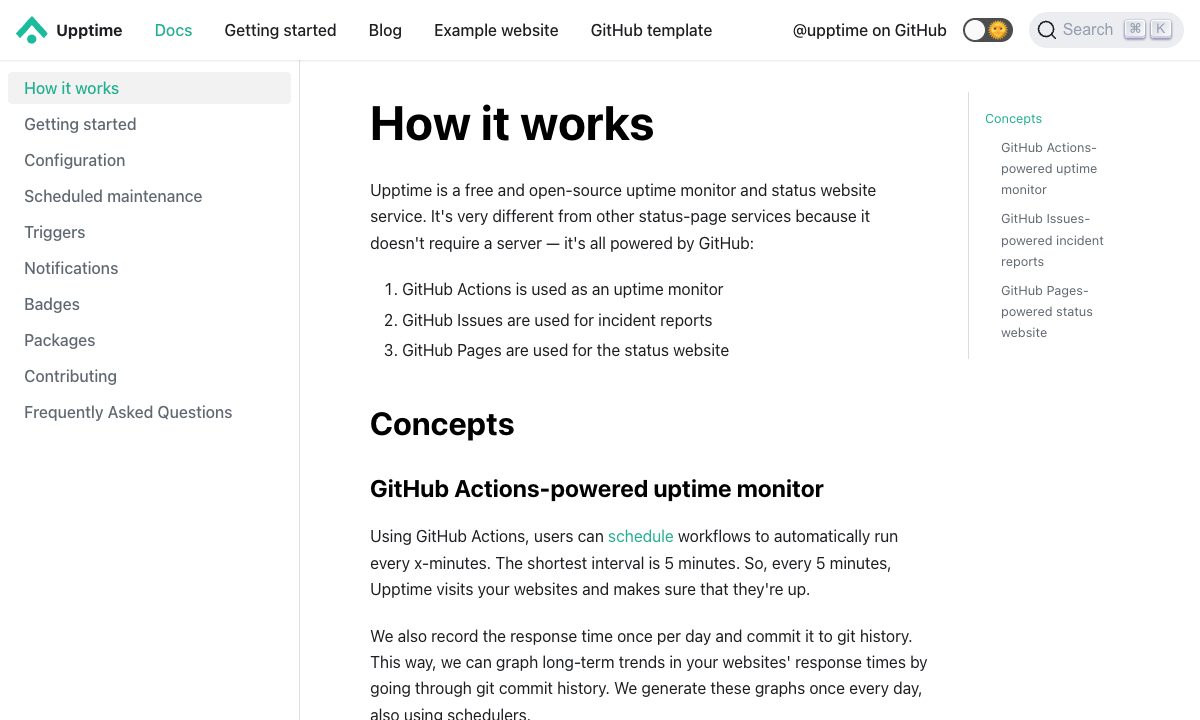
Setup is a GitHub template. You create a repository from it, edit .upptimerc.yml with your sites, and add a personal access token as a repository secret named GH_PAT. Notifications can go to Slack, email, SMS and other services.
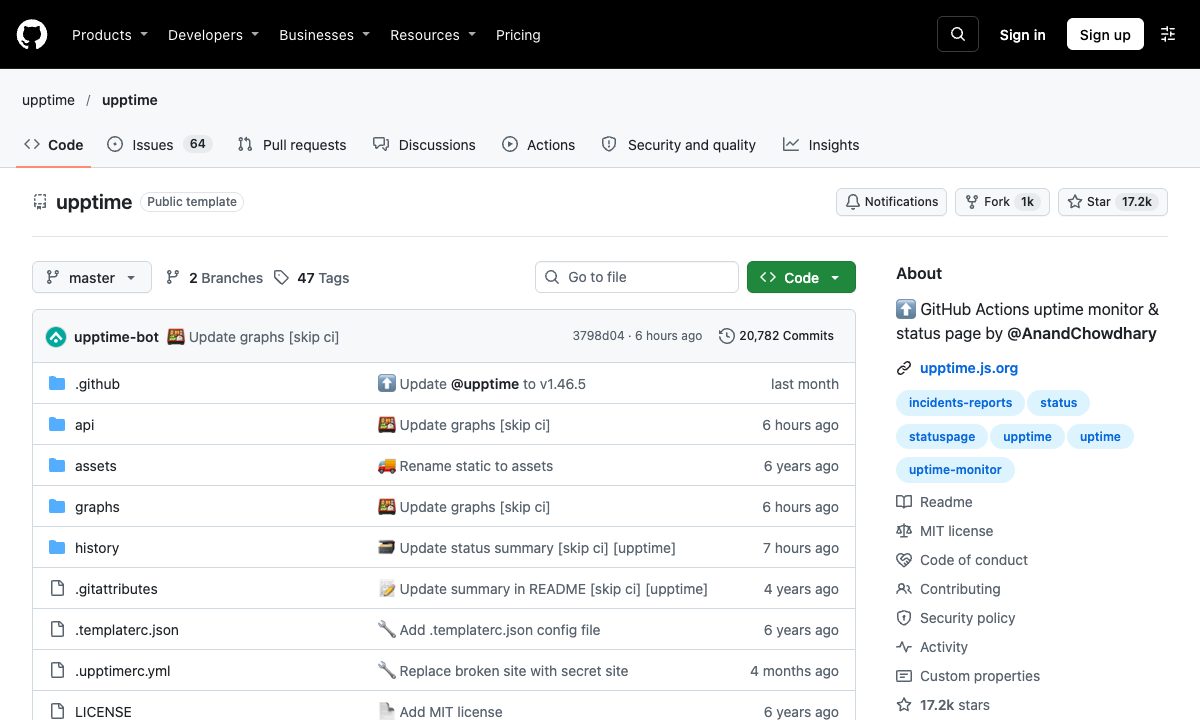
The Upptime repository is MIT licensed and had 17.2k stars on 25 November 2026.
Upptime's limits, from GitHub's own docs
Checks run every 5 minutes at best
GitHub's docs say the shortest interval for a scheduled workflow is once every 5 minutes. Upptime's configuration docs repeat it: a scheduled GitHub Action cannot run faster than that. Hosted monitors check every 30 or 60 seconds on paid plans, and HetrixTools checks every minute even on its free plan.
The schedule is not guaranteed
This is the limit that matters most for alerts. GitHub's docs on the schedule event say scheduled runs can be delayed during periods of high load, that the start of every hour is a high-load time, and that if load is high enough, some queued jobs may be dropped.
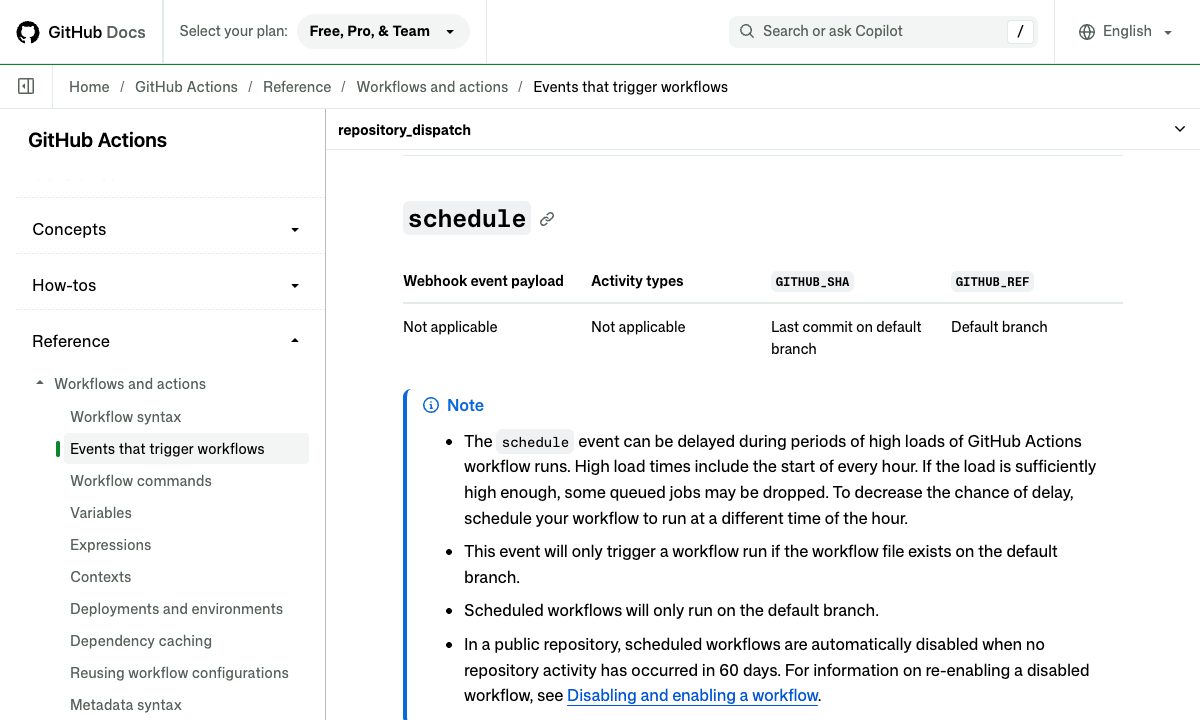
So "every 5 minutes" is a target. An outage can go unnoticed for longer if GitHub is busy, and a short outage between two late runs may not be seen at all.
Public repositories pause after 60 days without activity
GitHub's docs also say that in a public repository, scheduled workflows are disabled automatically when the repository has had no activity for 60 days. If your checks stop, look at the repository's Actions tab and re-enable the workflow there.
Private repositories use paid minutes
Standard GitHub-hosted runners are free in public repositories. In a private repository, Actions time draws from your plan's included compute:
| GitHub plan | Included compute a month | Standard Linux minutes at $0.006 |
|---|---|---|
| GitHub Free | $12 | 2,000 |
| GitHub Pro | $18 | 3,000 |
Upptime's getting-started docs say it uses approximately 3,000 minutes a month at the default settings. On GitHub Free that is about 1,000 minutes over the included amount, roughly $6 a month at the same rate. GitHub also shares that included amount with every other workflow on the account.
A private repository also doesn't publish its status page by default. Upptime's docs say you need an API proxy with authentication to publish one from a private repo.
Everything is public in a public repository
The free route is a public repository. Your list of monitored URLs, the issues for each outage and the response time history are then public too. You can keep secret URLs in repository secrets, but the repository itself stays visible.
Checks come from GitHub's runners
By default each check runs from a GitHub-hosted runner. Upptime can instead run a check through Globalping from a location you choose, such as a country, city or cloud region. It doesn't check from several regions at once and compare the results before alerting, the way hosted monitors do.
Hosted monitors: when alerts must arrive on time
Pulsetic: best hosted all-in-one
Pulsetic checks uptime, SSL, keywords, ports and cron jobs, with status pages and real user monitoring in the same plan. When a check fails, it confirms the failure from other regions before it alerts you.
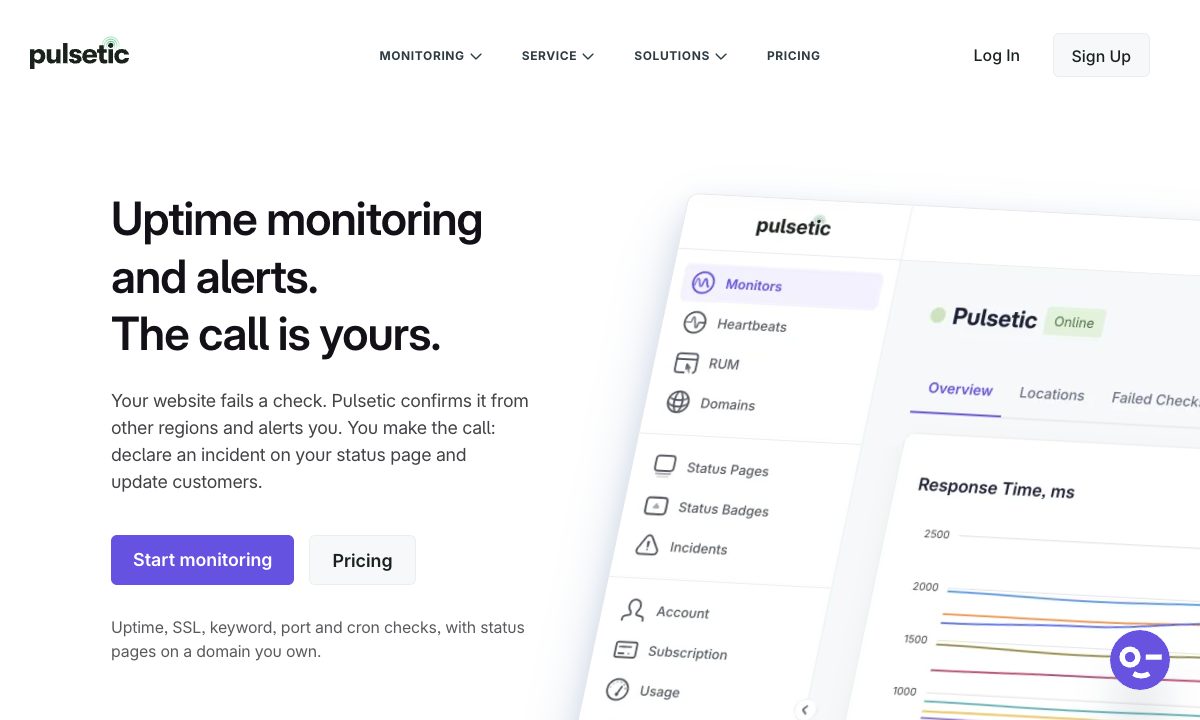
Pricing: the free plan has 10 monitors checked every 5 minutes from 3 regions, with 3 status pages. Solo is $9 a month for 10 monitors every 60 seconds from 5 regions. Team is $19 and Organization $49 a month, both with 30-second checks from 15 regions. Paid plans include unlimited status pages. Extra monitors cost $0.20 each a month, and yearly billing saves 2 months.
Limitations: the free plan checks every 5 minutes, like Upptime. Solo includes no teammates. Your configuration lives in Pulsetic, not in a git repository.
Good for: a status page on your own domain and alerts you can rely on, for $9 a month.
HetrixTools: best free plan
HetrixTools says every plan, including the free one, checks every minute from all your selected locations, and includes server monitoring, status pages and maintenance windows.
Pricing: free for 15 uptime monitors from 4 of 12 locations. Professional is $9.95 a month for 30 monitors, Business $19.95 for 60, and Enterprise $49.95 a month or $499.95 a year for 200. Yearly billing gives 2 months free.
Limitations: the free account must log in at least every 90 days. 12 locations in total.
Good for: anyone moving off Upptime for faster checks who wants to keep paying nothing.
UptimeRobot: best free plan for many monitors
UptimeRobot has the largest free plan here.
Pricing: free for 50 monitors at a 5-minute interval, with 1 status page. Solo is €9 a month billed yearly (€10 monthly) for 10 monitors at 60 seconds. Team is €35 billed yearly (€41 monthly) for 100 monitors at 30 seconds. UptimeRobot showed us prices in euros only.
Limitations: the free plan checks every 5 minutes, and its status page has no customization.
Good for: watching many sites for free, when 5 minutes is fast enough.
Which should you choose?
- A side project or an open-source status page, and a late alert is fine: Upptime, in a public repository. It is free, and the history lives in git.
- You need alerts on time: a hosted monitor. GitHub's scheduler can be late, and hosted monitors confirm failures from more than one region.
- Free, with checks every minute: HetrixTools.
- Free, with many monitors: UptimeRobot.
- Paid, with status pages, cron and real user monitoring in one plan: Pulsetic, from $9 a month.
- Your monitor must stay private: a hosted monitor, or a self-hosted one from Gatus vs Uptime Kuma. A private Upptime repo costs Actions minutes and needs a proxy to publish its status page.
A common setup is to keep Upptime for a public status page and add one free hosted check on your main site, so a late GitHub run never decides how quickly you hear about an outage.
FAQ
Is Upptime really free?
Yes, in a public repository. Standard GitHub-hosted runners are free for public repositories. In a private repository, Upptime's roughly 3,000 minutes a month count against your GitHub plan's included compute.
How often does Upptime check my site?
Every 5 minutes by default, which is the shortest interval GitHub allows for scheduled workflows. GitHub's docs say scheduled runs can be delayed under high load and some may be dropped, so the real interval can be longer.
Why did my Upptime checks stop?
Check the repository's Actions tab. In a public repository, GitHub disables scheduled workflows after 60 days with no repository activity, and you can re-enable them there. In a private repository, you may have used up your included Actions compute.
Can Upptime check from different locations?
Yes, through its Globalping option, which runs a check from a location you set, such as a country, city or cloud region. By default checks run from GitHub's runners.
What is the best free alternative to Upptime?
HetrixTools if you want checks every minute: 15 monitors free. UptimeRobot if you want many monitors: 50 free at 5 minutes. Pulsetic's free plan has 10 monitors at 5 minutes and confirms failures from other regions.