Framer is a hosted builder. It designs, hosts and serves your site in one place. Leaving it is possible, but there is no single "export" button that hands you a finished site. This guide sets out what Framer officially lets you take, what the export plugins do, and the steps to move without breaking links or losing search traffic.
We read Framer's help center, its pricing page, the plugin listings and each host's own pages on 25 November 2026.
TL;DR
- Framer has no built-in HTML export. Its help article "Can I export my website to HTML and self-host it?" says no. A second help article, "Porting your data from Framer", says you can download your published files. The two disagree, so don't plan on an official export.
- CMS content and redirects do come out officially, as CSV files through plugins: CMS Export for collections and Redirect Sync for redirects.
- A full static copy needs a third-party plugin, such as Full Site Export ($10 a month or $99 a year after 3 free exports). The copy can include Framer's own scripts, and forms need a new backend.
- The cleanest route is often a rebuild, in another builder or as plain HTML, using your exported content.
- To host static files, Static.app is $60 a year for 2 sites. Cloudflare Pages and Netlify have free plans.
- Keep every URL, or redirect it with a 301, before you point your domain away from Framer.
What Framer officially lets you export
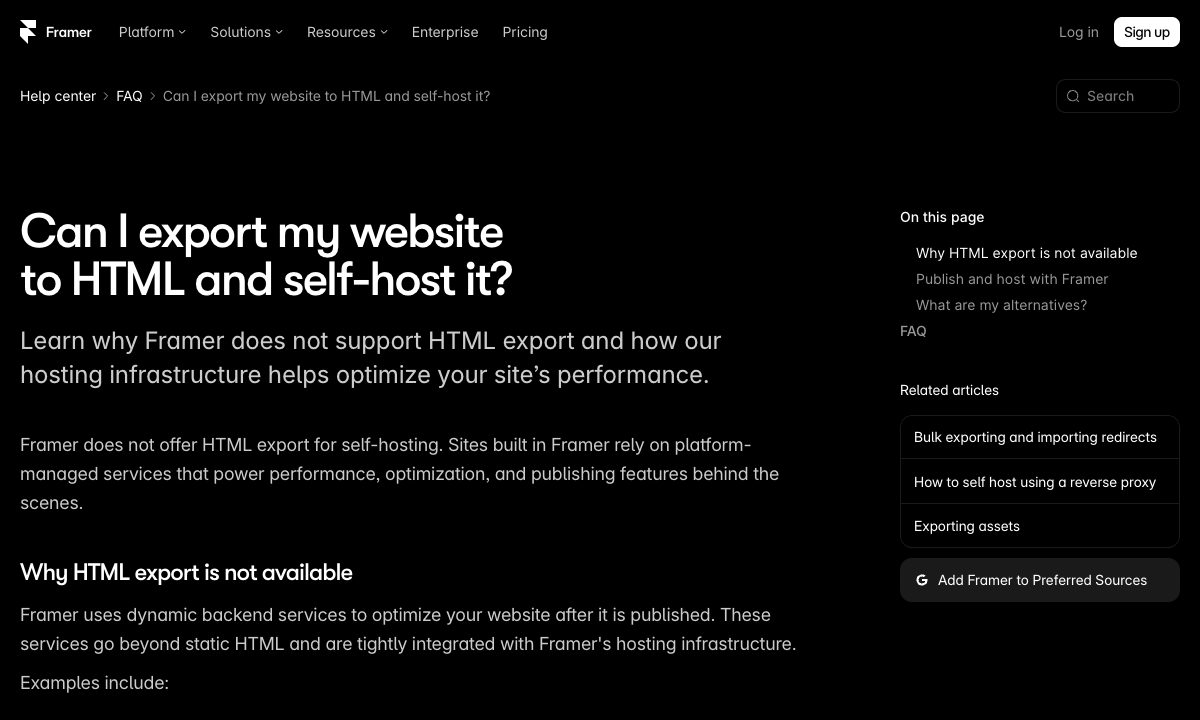
Framer's help center gives two answers.
- "Can I export my website to HTML and self-host it?" says: "Framer does not offer HTML export for self-hosting." It explains that published sites rely on backend services on Framer's infrastructure, so they "cannot be exported as standalone HTML files."
- "Porting your data from Framer" says every Framer site is published as standard HTML, CSS, JavaScript and assets, and that you "can download these files at any time." It ties this to the EU Data Act.
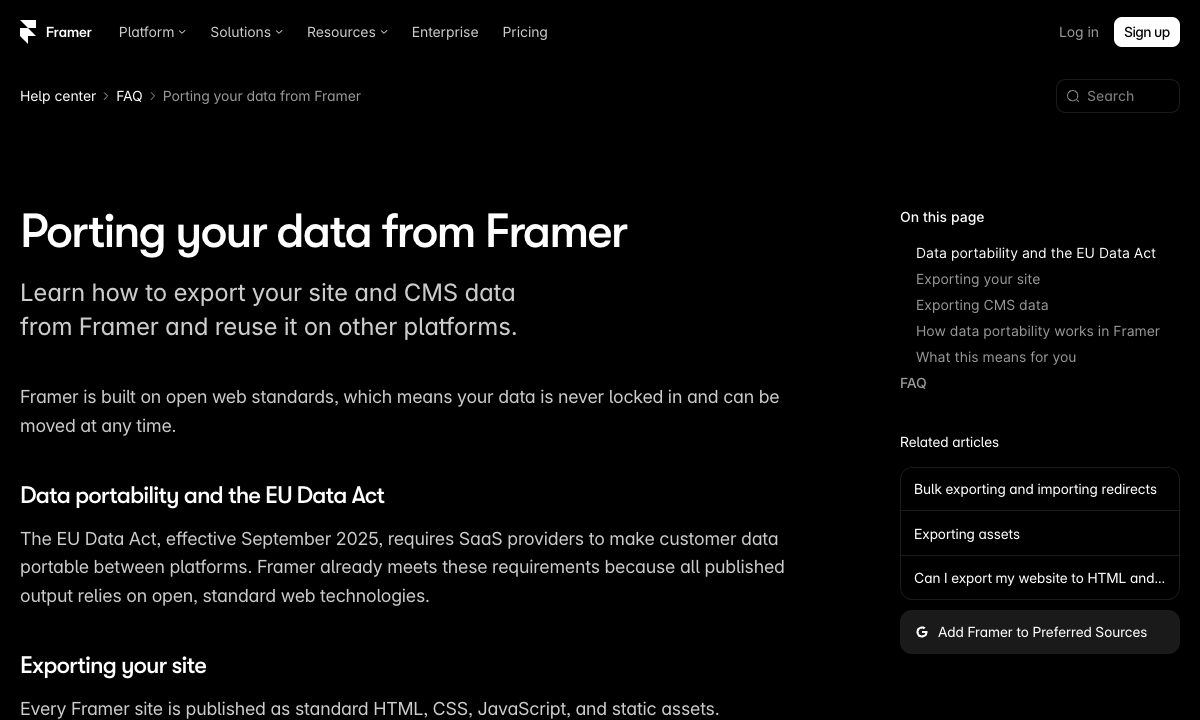
Neither article names a button or a menu for downloading the site. In practice, the parts Framer documents a way to export are:
| What | How | Official |
|---|---|---|
| CMS collections | CMS Export plugin, to CSV. The porting article says CSV or JSON through plugins | Yes, through plugins |
| Redirects | Redirect Sync plugin, to CSV | Yes, documented in Framer Help |
| Design assets and pages as images | Export panel in the desktop app, PNG or JPG at 1x to 4x | Yes, but as pictures, not code |
| The whole site as HTML | Not offered. Third-party plugins read the published site | No |
Your rights matter too. Framer's terms say the customer "retains ownership of the Content", and that Framer owns the Service. Your text, images and CMS items are yours. Framer's code and the templates you bought are not, and templates are sold under their own terms.
Export options compared
| Route | Cost | What survives | Effort | Main risk |
|---|---|---|---|---|
| Static copy with Full Site Export | 3 free exports of 3 pages, then $10 a month for 50 pages a month, or $99 a year | Pages, assets, CMS data the site loads, animations, as static files or a Next.js project | Low | Forms need a new backend. The copy can carry Framer's own scripts |
| Static copy with Framer to Code | Price not listed on its Marketplace page | Pages, assets, CSS, JavaScript, fonts, in a ZIP | Low | Same as above |
| Rebuild in another builder | The new builder's plan | Content, from your CSV exports and pages | Medium | Design changes, and you rebuild every page by hand |
| Rebuild as a hand-coded or generated static site | A static host, from free | Content you move yourself | High | The most work, but nothing ties you to a platform |
Step by step: move off Framer without losing traffic
1. List every URL
Open yoursite.com/sitemap.xml. Framer generates a sitemap, and its help center lists sitemaps among the SEO features. Save the list of URLs in a spreadsheet. Each one needs to work on the new site, or redirect.
2. Export your CMS collections
Install the CMS Export plugin and export each collection to CSV. It shows a preview before you export. Framer's porting article says CMS content can be exported through plugins as CSV or JSON.
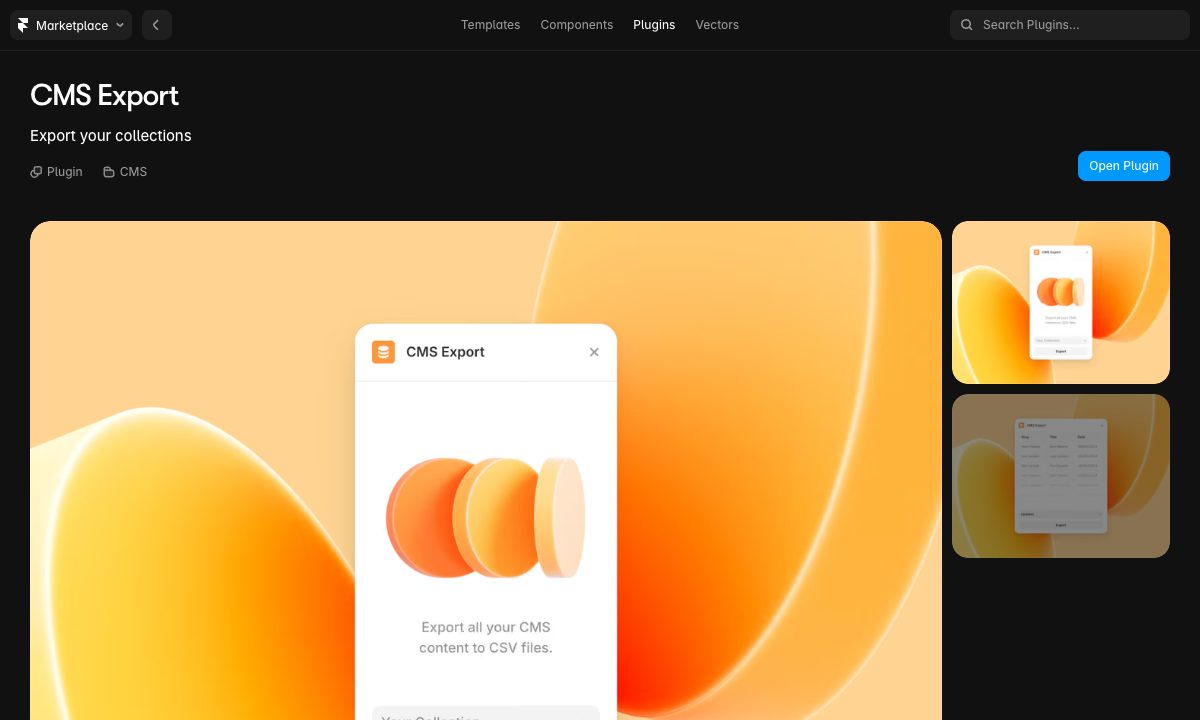
Check the CSV for image fields. They hold links to images hosted by Framer, so download the images you need before you cancel the plan.
3. Export your redirects
If your site has redirects, open the Redirect Sync plugin and choose Export. Framer's help article on bulk redirects says this downloads all your redirects as a CSV with from and to columns. Site redirects are a Pro plan feature on Framer's pricing page.
4. Save your SEO settings
There is no export for page titles, meta descriptions or social images. Copy them from the published pages, or from each page's settings, into your spreadsheet next to its URL.
5. Choose a route and build the new site
See the routes below. Whatever you choose, keep the same URL paths where you can. A page that keeps its address needs no redirect.
6. Set 301 redirects for every URL that changes
Map each old path to its new one. Static hosts read redirects from a file:
- Cloudflare Pages and Netlify both read a plain text file called
_redirectsin the published folder, one rule a line:
/posts/old-slug /blog/new-slug 301
- Other hosts have their own settings. Check your host's docs before you move the domain.
Your Redirect Sync CSV is a good starting point: its from and to columns map straight onto these rules.
7. Move the domain
On Framer, a custom domain points at Framer with two A records and a CNAME. To move it, change those DNS records at your registrar to the values your new host gives you. If you claimed Framer's free domain with a yearly plan, Framer's help says the domain and its subscription are managed through Hover, so you change the records, or transfer the domain, at Hover.
8. Check, then cancel
Open every URL from step 1 on the new site. Each should load, or redirect with a 301 to the right page. Test your forms. Then cancel the Framer plan.
Route 1: a static copy with a plugin
Plugins in the Framer Marketplace read your published site, the way a visitor's browser does, and save it as files.
Full Site Export
Full Site Export offers three outputs: a static copy of every page and asset, the same copy inside a Next.js project, and a "Readable" rebuild as React components with their own stylesheet.
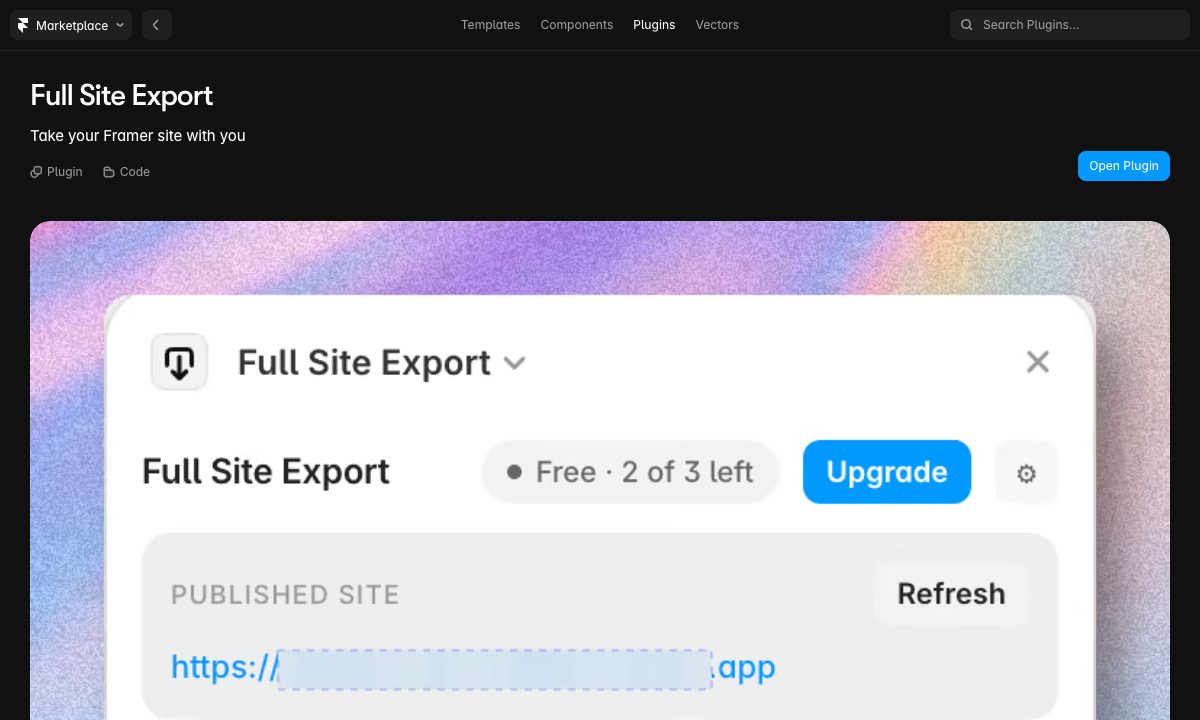
Pricing: 3 free exports of three pages each, with no account. After that, $10 a month for 50 pages a month, or $99 a year, with 14-day refunds.
Limitations: your site must be published. The export runs on the plugin maker's server, which receives your published site's address and your licence key. The listing says the Readable output is "close to your site, not pixel-identical", and that the export "does not change what you are licensed to own".
Framer to Code
Framer to Code packages your published site's pages, assets, CSS, JavaScript and fonts into a ZIP, and rewrites links and asset paths so the files work outside Framer. You can export the whole site or chosen pages. Its Marketplace page does not list a price.
What to know about any static copy
- Forms stop working. Framer handles form submissions on its servers. On a static host you need the host's form feature or a form service.
- The copy may include Framer's own scripts. Framer's terms say Framer owns the Service. If that matters for your business, ask Framer before you rely on a copy long term.
- It is a snapshot. To change the site later, you edit the exported code, not a visual editor.
Route 2: rebuild in another builder
If you want to keep editing visually, rebuild the site in another builder and paste in your exported content. Expect to rebuild each page's layout by hand.
Siter is one option. Its Pro plan is $24 a month billed yearly, or $28 month to month, and lists a "Download HTML" feature, so you can take a static copy of the site later if you move again. Solo is $7 a month billed yearly for 1 site and 10 pages, and Plus is $12 for 3 sites and 50 pages. Every plan starts with a 3-day trial that needs a card. It has no Framer importer, and a full Framer site may need Pro for its page count.
If you would rather not depend on one company again, open-source Webflow and Framer alternatives compares visual editors you can host yourself.
Route 3: rebuild as a static site
The most work, and the most freedom. Rebuild the pages as plain HTML and CSS, with a static site generator, or with a coding agent, using your CSV exports for the content. The result runs on any static host and never needs exporting again. Moving WordPress to a static site covers the same kind of move from WordPress.
Where to host the static files
1. Static.app
Static.app hosts static sites at a flat price. You upload a ZIP or a folder, and it publishes the site with SSL.
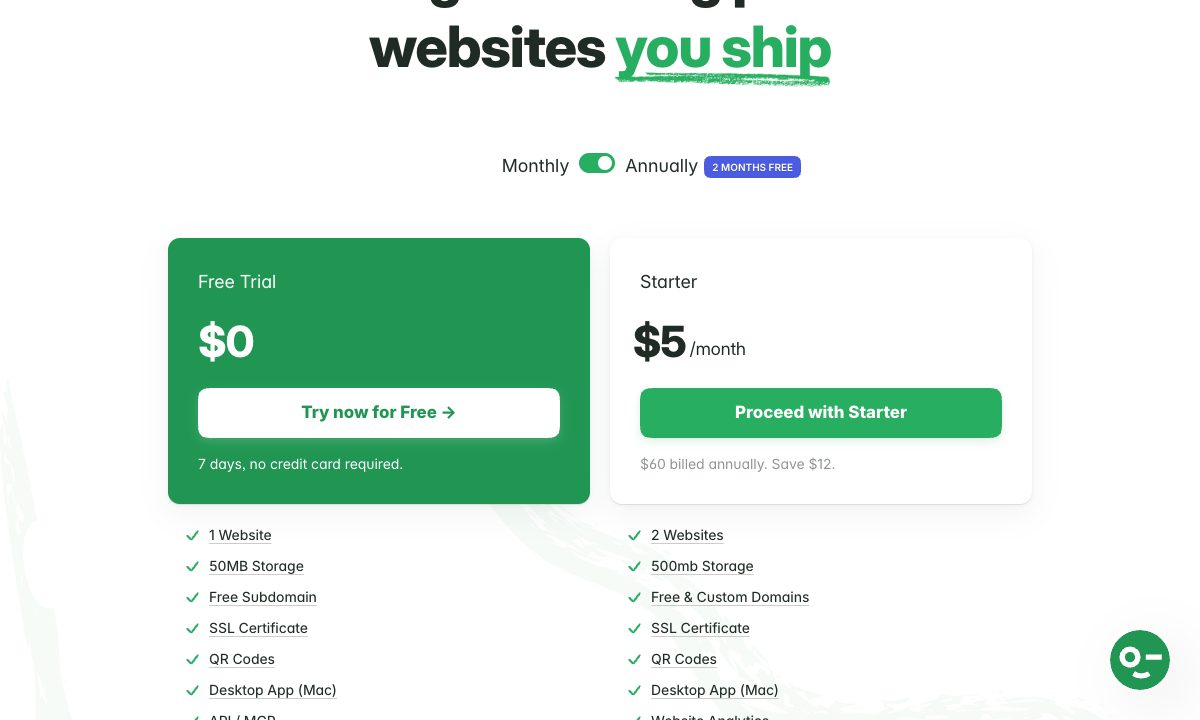
Pricing: Starter is $60 a year for 2 sites and 500 MB, with unlimited traffic, custom domains, forms and analytics. Medium is $120 a year for 7 sites. There is a 7-day free trial with no card.
Good for: a static copy from a plugin, uploaded as it is, with forms handled by the host.
2. Cloudflare Pages
Free for most small sites, and it reads a _redirects file. Cloudflare Pages pricing in 2026 has the limits.
3. Netlify
A free plan, Git-based builds and a _redirects file. Paid plans are billed in credits. Netlify pricing in 2026 explains them.
What Framer costs, for context
Framer's pricing page showed prices in euros for our location, billed yearly: Basic at €10 a month and Pro at €30 a month, plus a free plan on a Framer domain. Basic includes 30 pages and 2 CMS collections. Pro includes 150 pages, 10 collections, site redirects and a staging environment. Extra editors are €20 a month.
Which route should you choose?
- You want out quickly and the site rarely changes: a static copy with Full Site Export, hosted on Static.app or Cloudflare Pages. Replace the forms first.
- Non-developers will keep editing the site: rebuild in another visual builder, using your CMS export.
- You want to own every line and never migrate again: rebuild as a static site.
- Your site leans on Framer's CMS: export each collection to CSV first, whatever route you take.
- You are leaving only because of price: compare Framer Basic with your new host and builder together. A rebuild costs time that a plan change doesn't.
FAQ
Can you export a Framer site to HTML?
Not with a built-in feature. Framer's help article says it "does not offer HTML export for self-hosting." Marketplace plugins such as Full Site Export and Framer to Code read the published site and save it as HTML, CSS and JavaScript.
Can I export my Framer CMS?
Yes. The CMS Export plugin exports any collection to a CSV file. Framer's porting article says CMS content can be exported through plugins as CSV or JSON.
How do I keep my SEO when I leave Framer?
Keep the same URL paths where you can, and set a 301 redirect for every path that changes. Copy each page's title and meta description. Move the domain last, after the new site is checked.
Is using an export plugin allowed?
Framer's terms say you own your Content and Framer owns the Service. The terms we read do not mention export plugins. The plugins are listed in Framer's own Marketplace. A static copy can include Framer's code, and bought templates have their own licence, so check both if it matters.
What happens to my Framer domain?
A domain you bought elsewhere stays yours: change its DNS records to your new host. A free domain claimed through Framer is managed through Hover, according to Framer's help center, so you change its records or transfer it there.