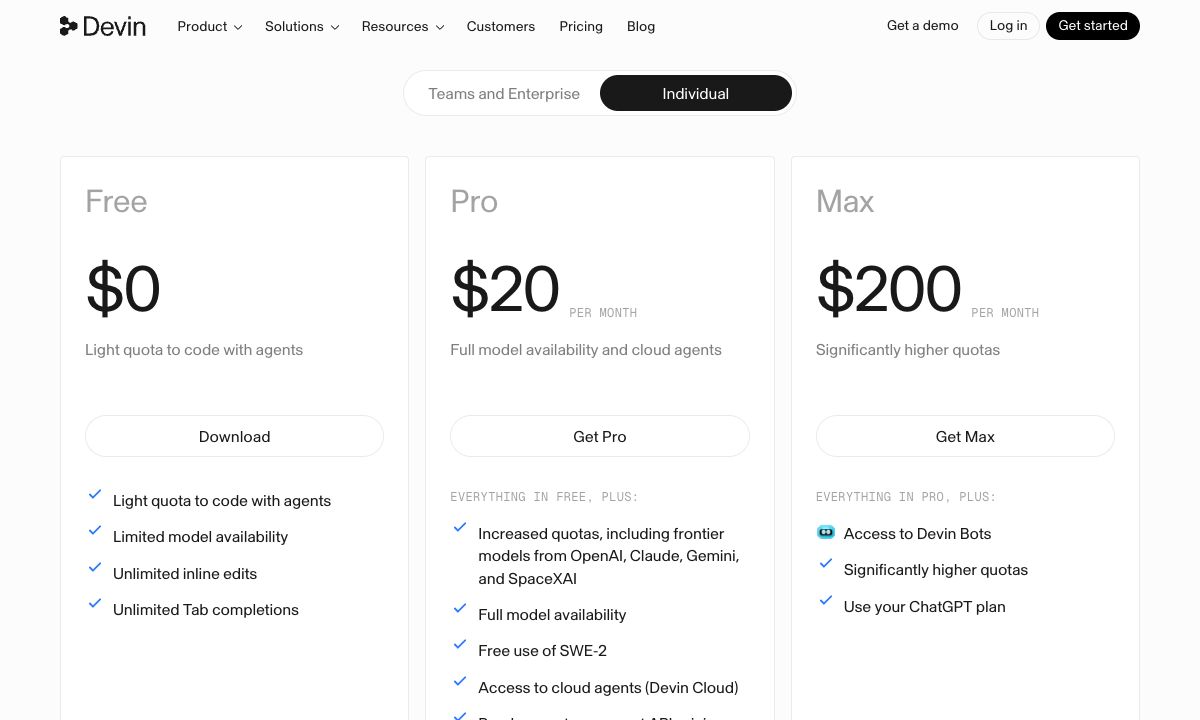
Windsurf has a new name. Cognition, the company behind it, now calls it Devin Desktop, and windsurf.com sends you to devin.ai. Its FAQ says Devin Desktop "is the new name for Windsurf" and that plans and pricing stay the same. The plans are Free, Pro at $20 a month, Max at $200 a month, and Teams at a flat $80 a month.
This guide is for developers who use Windsurf or are choosing a coding agent. We read every number below on Devin's pricing page and Devin Desktop's FAQ on 19 November 2026.
TL;DR
- Windsurf is now Devin Desktop. The FAQ says it arrives as an update, and your plan, pricing, extensions and settings carry over.
- Free is $0, with a light quota for agents, limited models, and unlimited Tab completions and inline edits.
- Pro is $20 a month, with frontier models from the major labs, cloud agents and free use of Cognition's SWE-2 model.
- Max is $200 a month, with much higher quotas and Devin Bots.
- Teams is a flat $80 a month for up to 100 members, with shared on-demand credits and SSO.
- Usage refreshes daily and weekly. Past it, you buy extra usage at API pricing.
Windsurf (Devin Desktop) plans in 2026
| Free | Pro | Max | Teams | Enterprise | |
|---|---|---|---|---|---|
| Price | $0 | $20 a month | $200 a month | $80 a month, flat | Custom |
| Members | 1 | 1 | 1 | Up to 100 | Unlimited |
| Tab completions | Unlimited | Unlimited | Unlimited | Unlimited | Unlimited |
| Models | Limited | Full, including frontier models | Full | Full | Full |
| Cloud agents | No | Yes | Yes | Yes | Yes |
| Devin Bots | No | No | Yes | Yes | Yes |
| Extra usage | No | At API pricing | At API pricing | Shared on-demand credits | Custom |
Pro, Max and Teams can also use your ChatGPT plan. Teams adds multiplayer sessions, SAML or OIDC single sign-on, centralized billing, cost controls with 3 usage tiers and a Slack support channel. Enterprise adds SCIM, role-based access, deployment in your own cloud and dedicated account support.
Teams is a flat fee, not per seat. Devin's page says "Teams is self-serve at a flat $80/month", and its Teams card describes "shared on-demand credits for up to 100 members". The page does not say how much usage, if any, the $80 includes. So treat the $80 as the platform fee, and expect the team's usage to be billed on top as on-demand credits.
How usage works
Devin's FAQ says each paid plan comes with a usage allowance that refreshes automatically, both daily and weekly. The cost of each message depends on the model, the size of the task and how much reasoning it needs. Devin says most users will never hit their limits.
If you do, you can buy extra usage, which is consumed at API pricing. To make the allowance last, Devin's FAQ suggests shorter, more precise prompts, and smaller models for routine work: mini models and open source models use less.
The page does not publish the allowance in tokens or messages, so you cannot work out in advance how far $20 goes. Check your usage in the app during the first week.
Is Windsurf cheaper than Cursor?
At the entry paid tier, Windsurf Pro is $20 a month and Cursor Premium is $30, though Cursor also has an $8 Plus plan with its own models only. The bigger difference is third-party models. Windsurf Pro includes frontier models from the major labs in its quota. Cursor's plans do not: on Premium and up, third-party models are billed at API list price from the first request. See Cursor pricing in 2026.
For teams, the two are not like for like. Windsurf Teams is a flat $80 platform fee with usage as shared on-demand credits. Cursor Teams is $30 or more per seat, and each seat comes with its own weekly usage pool. Compare what your team would actually use, not the headline price.
Publish what you build
A coding agent can build a site quickly. Putting it online at an address you can share is a separate step. If what you built is static HTML, CSS and JavaScript, these hosts serve it without a server:
| Host | Price | Custom domain | Metered | How an agent publishes |
|---|---|---|---|---|
| Static.app | From $6 a month, or $60 a year | Yes | No, unlimited traffic | API, GitHub Action or MCP server |
| Cloudflare Pages | Free plan | Yes | No bandwidth limit listed | Command line or Git |
| GitHub Pages | Free with public repositories | Yes | Soft limit of 100 GB a month | Git push |
Static.app
Static.app hosts static sites at a flat monthly price. You upload a ZIP or a folder, and the site is live with SSL. It has an API, a GitHub Action and an MCP server, so a coding agent can publish to it directly. Starter is $6 a month, or $60 a year, for 2 sites and 500 MB of storage. Medium is $12 a month for 7 sites and 3 GB. Large is $18 a month for 30 sites and 10 GB. Every paid plan lists unlimited traffic, a custom domain, forms and analytics.
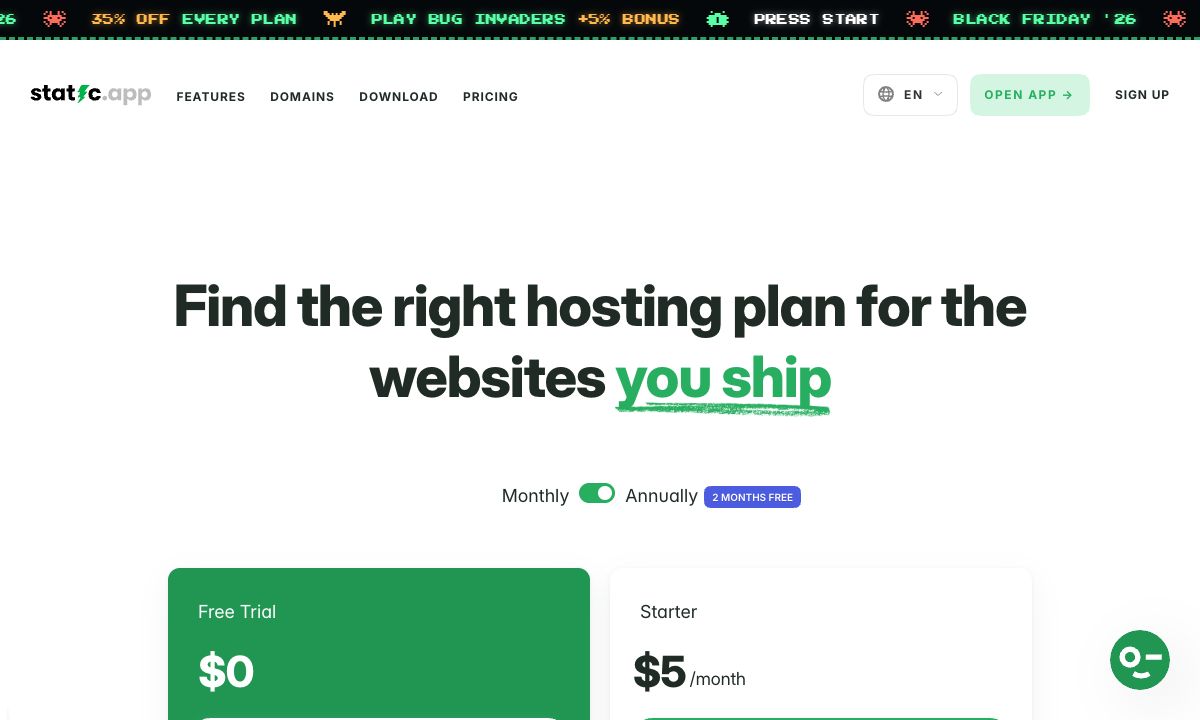
What it does not do: it runs no server code, so an app with server rendering or an API will not work there. There is no free plan, only a 7-day trial on a free subdomain. It does not build from Git. And 500 MB of storage on Starter is small for an image-heavy site. Until 1 December, its Black Friday sale takes 35% off the first payment.
Good for: landing pages, portfolios and client sites built with an agent that need a fixed bill and a custom domain.
Cloudflare Pages
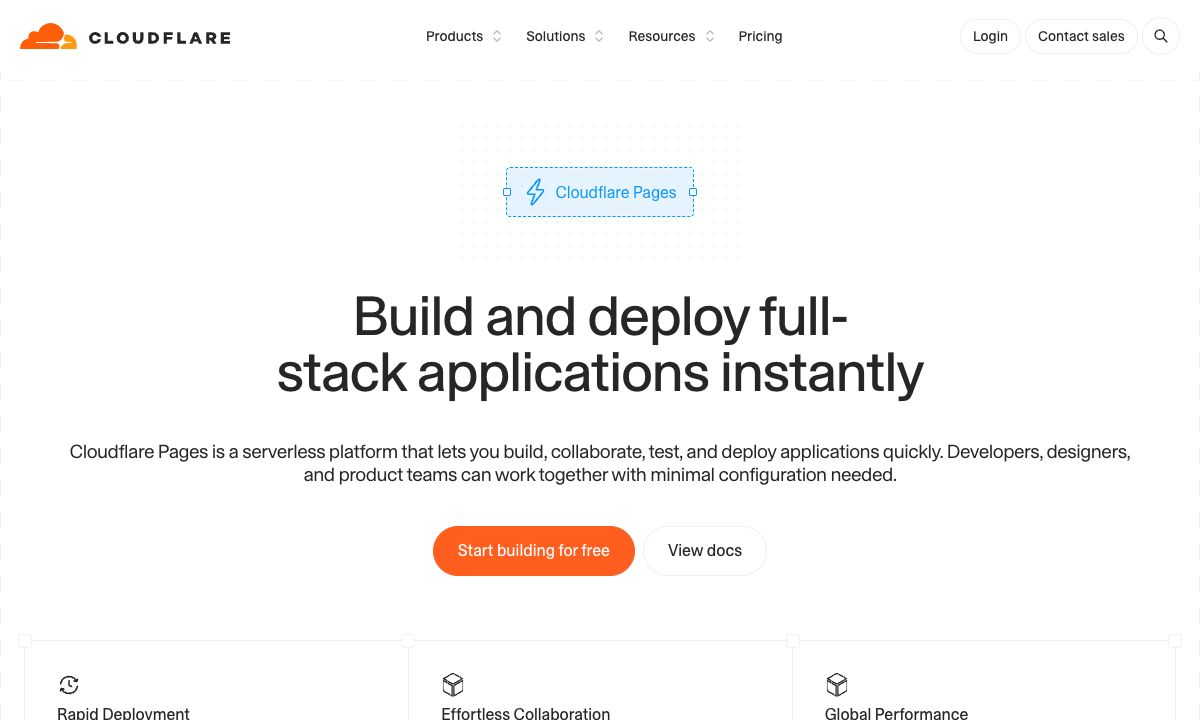
Cloudflare Pages has a free plan with 500 builds a month, 20,000 files per site and 25 MiB per file. Its docs say requests for static files are free and unlimited.
Good for: developers who want free static hosting and are at home with Cloudflare's command line. See Cloudflare Pages and Workers pricing in 2026.
GitHub Pages
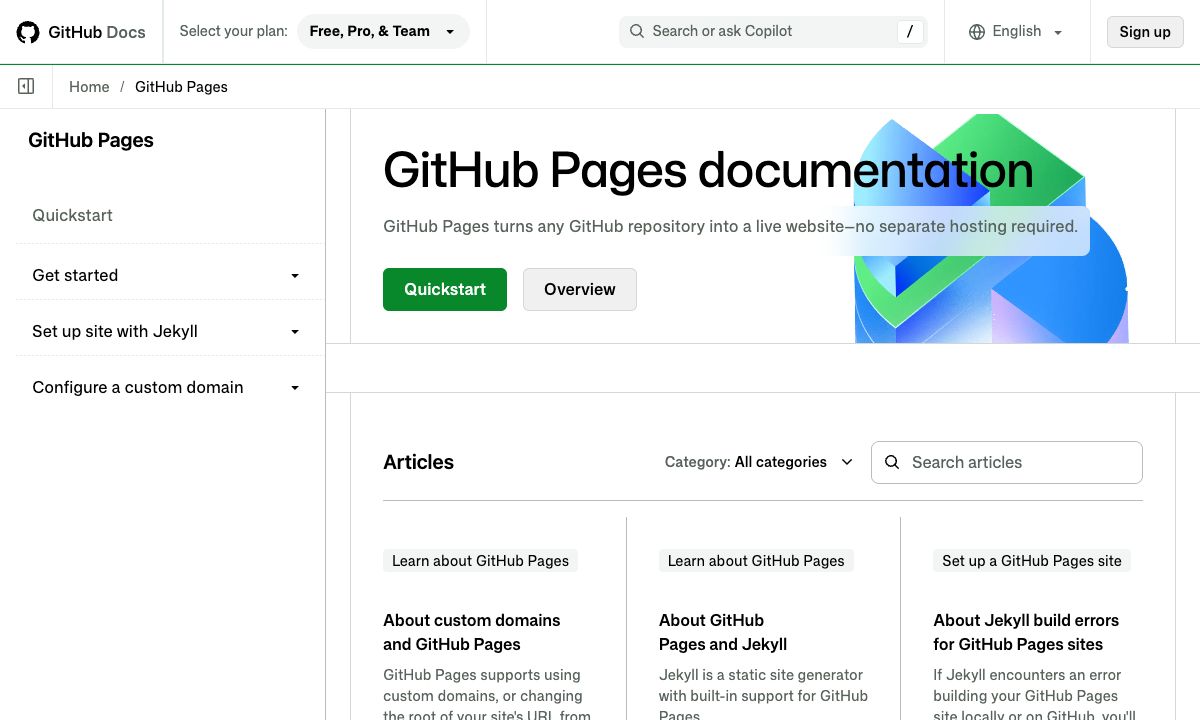
GitHub Pages serves a site from a GitHub repository, free for public repositories, with a soft limit of 100 GB of bandwidth a month. GitHub says it is not for sites mainly for commercial transactions or software as a service.
Good for: documentation and open source projects already on GitHub.
However you publish, check the live page against your design. Put an agent-built page online, then check the live address shows how.
Which Windsurf plan should you choose?
- Trying it, or mostly using Tab completions: Free.
- Daily coding with frontier models: Pro at $20.
- Heavy agent use, several sessions at once, or Devin Bots: Max at $200.
- A team: Teams at a flat $80 a month plus on-demand usage. Set a cost-control tier before you invite everyone.
- A company that needs SCIM or its own cloud: Enterprise.
FAQ
Is Windsurf now called Devin Desktop?
Yes. Devin Desktop's FAQ says it is the new name for Windsurf, built on the Windsurf IDE. It arrives as an update, and your plan, pricing, extensions and settings carry over. Windsurf for JetBrains IDEs is still available.
How much does Windsurf cost?
Free is $0, Pro is $20 a month and Max is $200 a month. Teams is a flat $80 a month for up to 100 members. Enterprise is priced on request.
Did Windsurf's pricing change with the new name?
No, according to Devin Desktop's FAQ: current plans and pricing stay the same, including legacy Windsurf Enterprise plans.
What happens when I reach my Windsurf usage limit?
On a paid plan you can buy extra usage, consumed at API pricing. The allowance also refreshes on its own, daily and weekly.
Is Windsurf Teams priced per user?
No. Devin's pricing page describes Teams as a flat $80 a month for up to 100 members, with shared on-demand credits for usage. The page does not say how much usage the $80 includes.
Does Windsurf include frontier models?
Pro and higher plans include access to frontier models from the major AI labs and leading open source models, within the plan's usage allowance. The free plan has limited model availability.